Tired of Manually Creating Shipments? Try our new Product Automation Feature

We’re excited to announce the launch of our new Product Automation feature!
Update April 1, 2026
The Product Automation feature will be enabled for remaining clients by April 21. If you use Line Item Import Automation, be sure that you update any missing information before April 21 to have a smooth transition.
- You can check your line items on the import page here and update the missing information.
- If you have multiple items, you can export your line items to a CSV, update any missing information, and then re-upload the file. Alternatively, you may edit each item individually.
Each product must have:
- Lookup SKU (a unique identifier – if you don’t have a SKU you can easily create one)
- Product Title
- Lookup Description
Shipping to the U.S. and other international destinations comes with a long list of requirements, such as HTS codes, Country of Origin, and more. If you’re manually creating multiple shipments, it can be exhausting to repeatedly enter the same information for a limited set of products.
With Product Automation, you only need to enter this information once. After that, you can breeze through creating your shipments without re-entering details every time. Don’t just take our word for it, see it in action:
This feature lets you save your entire inventory on the platform. Once your products are set up, you can start saving time on every shipment.
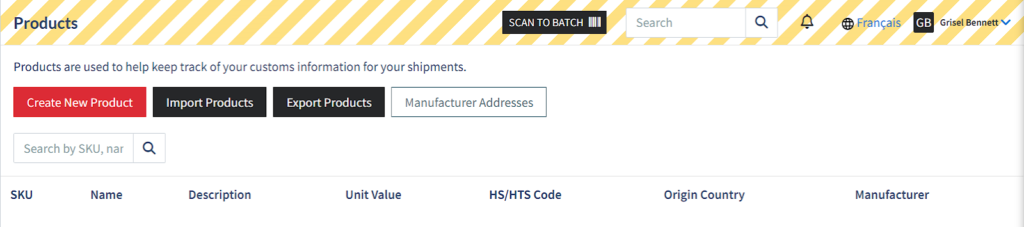
For a complete guide, visit our recently published support article, which walks you through the process and highlights everything you need to know about this feature.